Sale!

xTool M2 20W Standalone

$949.00

Description

M2 20W Standalone


One Machine, Infinite Versatility

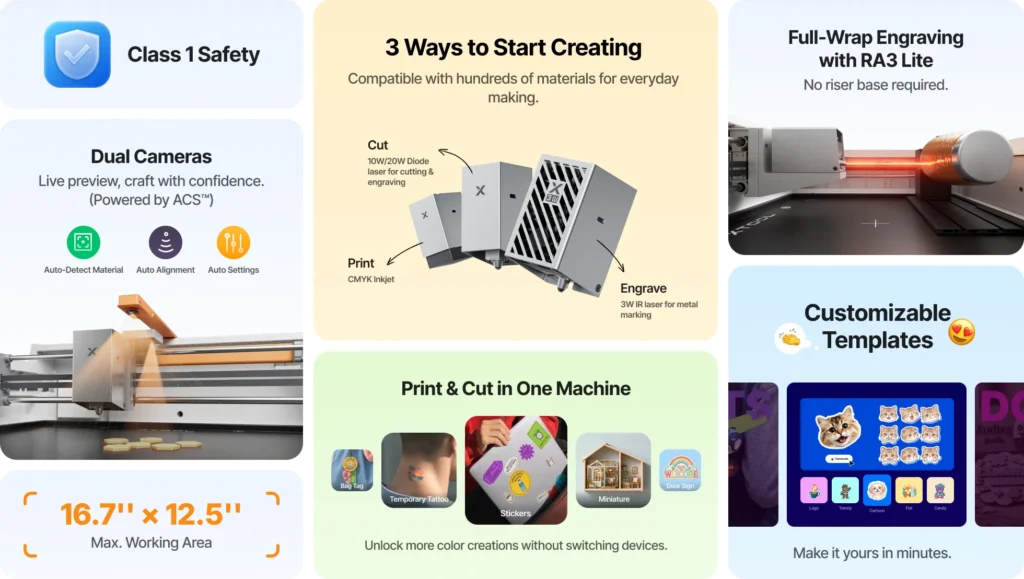
Transform 300+ materials—including cardstock, felt, leather, wood and more—into personalized masterpieces. One machine for full-color printing, precision cutting, and custom engraving.

Print & Cut in One Machine

M2 syncs printing and cutting in one seamless workflow. No more switching between devices or wasting time on manual alignment.

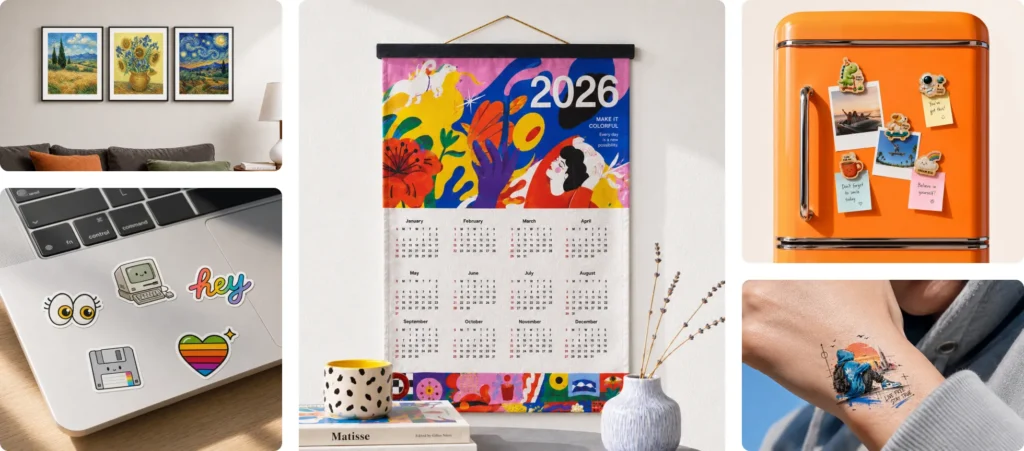
Full Color Printing

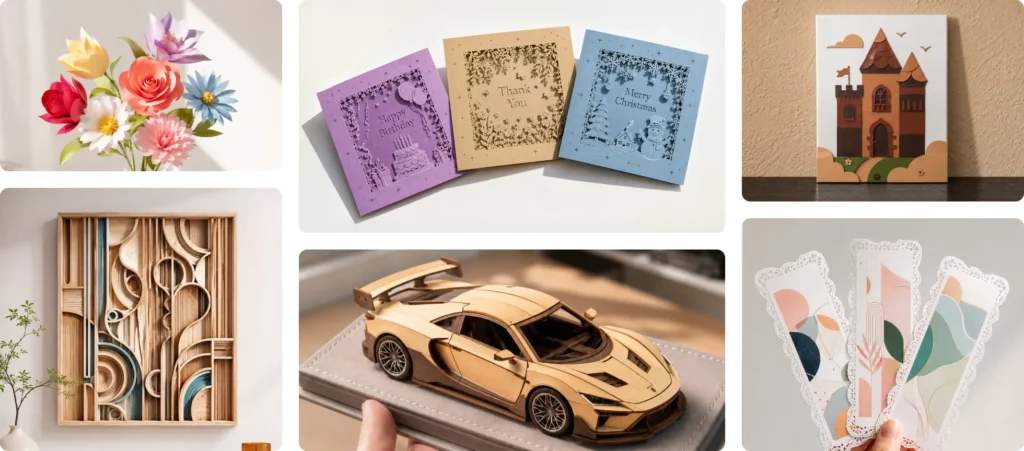
Precision Cutting

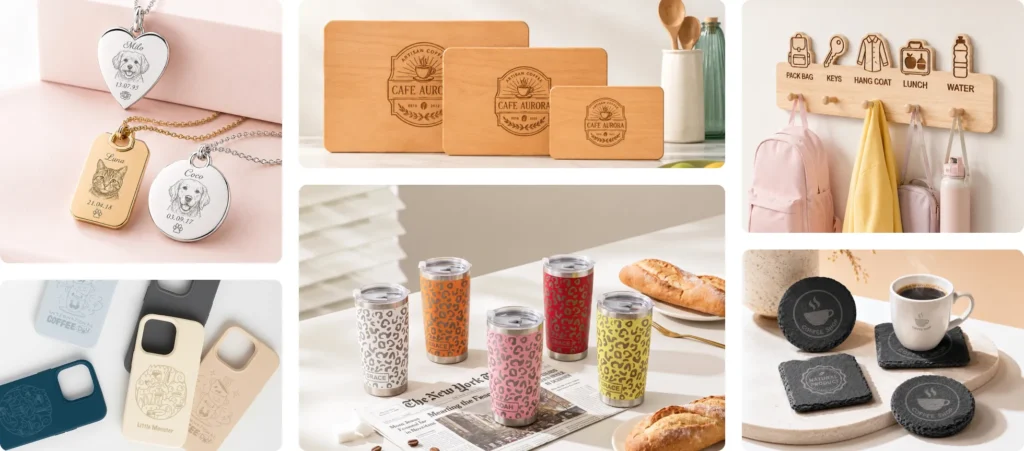
Personalized Engraving

Machine Specifications

Specification

Details

Processing Capability

Module Type Laser module:
10W/20W Blue Diode Laser
3W Infrared Laser (add-ons)Printing module:
CMYK Inkjet (add-ons)
Processing Mode Laser Cutting / Laser Engraving / Inkjet Printing
Working Area 10W / 20W: 16.7″ × 12.5″ (426 mm × 320 mm)
3W: 16.2″ × 12.2″ (412 mm × 310mm)
Inkjet Mode: 11.8″ × 11.5″ (300 mm × 294mm)
Max. Rotary Engraving Diameter 0 – 100 mm
Max. Speed 600 mm/s
Max. Cutting Capacity Basswood:
10W: 8 mm in one pass
20W: 10 mm in one passBlack Acrylic:
10W: 3 mm in one pass
20W: 8 mm in one pass

Easy Operation

Pre-assembled Yes
Built-in Camera 5MP Panoramic Camera & 2MP Close-range Camera
Positioning Method Camera positioning
Focus Mode Autofocus

Accuracy & Precision

Laser Spot Size 10W Diode Laser: 0.0016″ × 0.0024″ (0.04 mm × 0.06 mm)
20W Diode Laser: 0.0024″ × 0.0031″ (0.06 mm × 0.08 mm)
Positioning Precision Up to 0.2 mm (wide-angle positioning: < 1.5 mm)
Ranging Precision 0.1 mm, Probe
Motion Accuracy 0.0004″ (0.01 mm)

General Information

Product Dimensions 24″ × 22.4″ × 7″ (610 mm x 569 mm x 180 mm)
Safety Certification Class 1 Laser Safety (TÜV SÜD Certified)
Product Weight 27.1 lb (12.3 kg)
Max. Machine Input Power 200 W
Power Adapter Input Voltage 100 V – 240 V ~ AC 50/60 Hz

Software

Supported Software xTool Studio
Operating System Windows / macOS
Connection Methods USB / Wi-Fi
Supported Files SVG / DXF / JPG / JPEG / PNG / BMP

Supported Materials

Cuttable Wood / Opaque Acrylic / Paper / Cardstock / Cardboard / Foam / MDF / Leather / Felt
Engravable Wood / Opaque Acrylic / Transparent Acrylic / Leather / Stainless Steel / Aluminum / Plated Metal / Paper / MDF / Cardboard / Felt / Rubber / Glass / Plastic / Cork / Ceramic
Printable Paper / Cardstock / Sticker Paper / Wood / Canvas / Fabric / Felt / Leather / Glass

Frequently Asked Questions

What materials can the inkjet module print on?

The inkjet module can print on fabrics, boards, printing paper, and similar materials. However, it cannot print on very dense or smooth surfaces such as metal, glass, and ceramic, as the ink cannot penetrate or adhere properly. These materials can be printed on after applying a suitable ink-receptive coating.

How long does the CMYK ink last, and how do I replace it?

Ink longevity depends on your usage frequency. Under the ISO/IEC 24712 standard at 5% coverage, a single cartridge yields approximately 400 pages.

To extend ink life:

  • Adjust ink density settings based on material type
  • Always secure the ink cap after use

Replacement: Ink cannot be refilled. Please purchase a new cartridge and follow the replacement instructions in the user manual.

Do I need a riser base to engrave cylindrical objects like tumblers?

With M2’s horizontal laser output, it engraves 0–100 mm objects like tumblers, balls, and rings — no riser base required.