Sale!

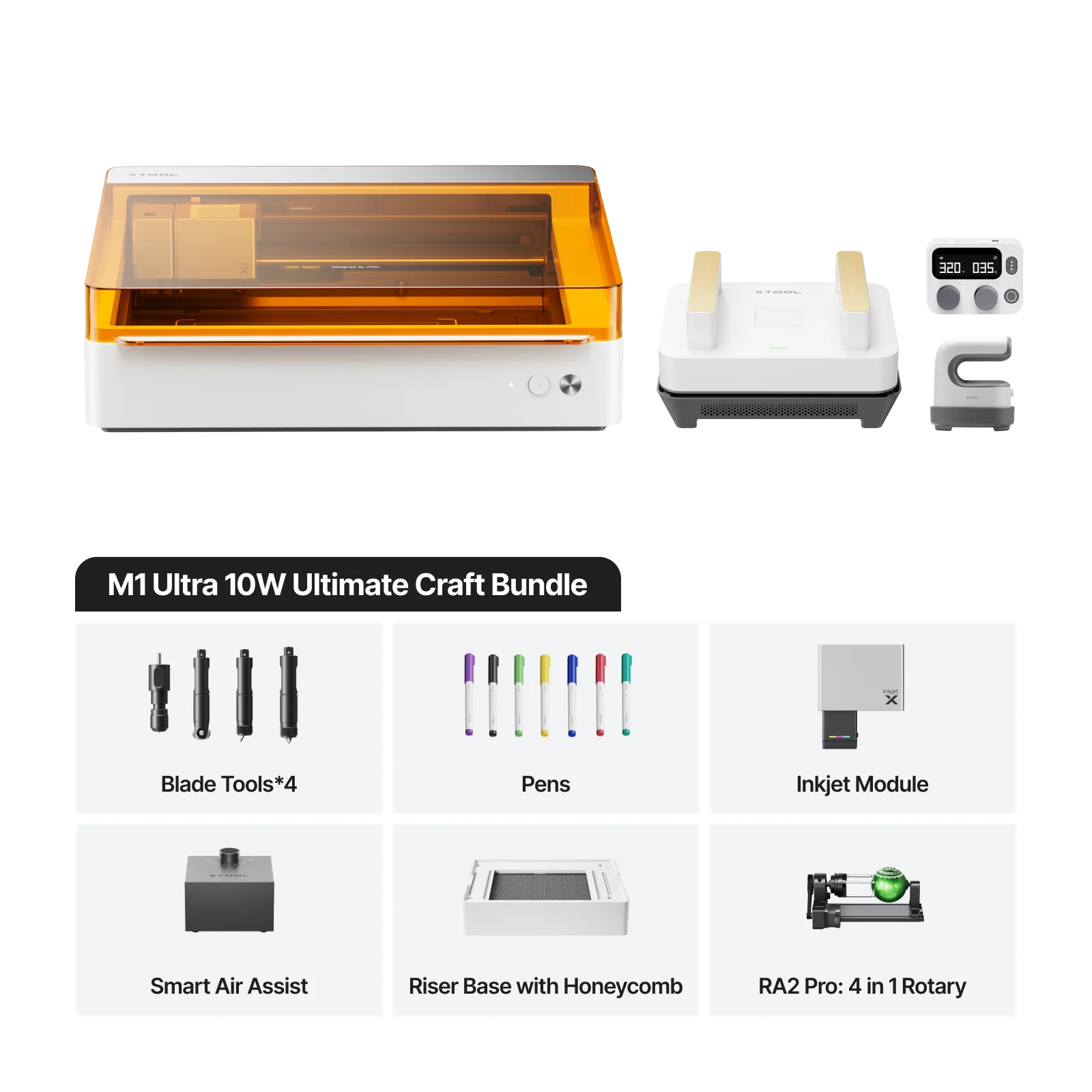
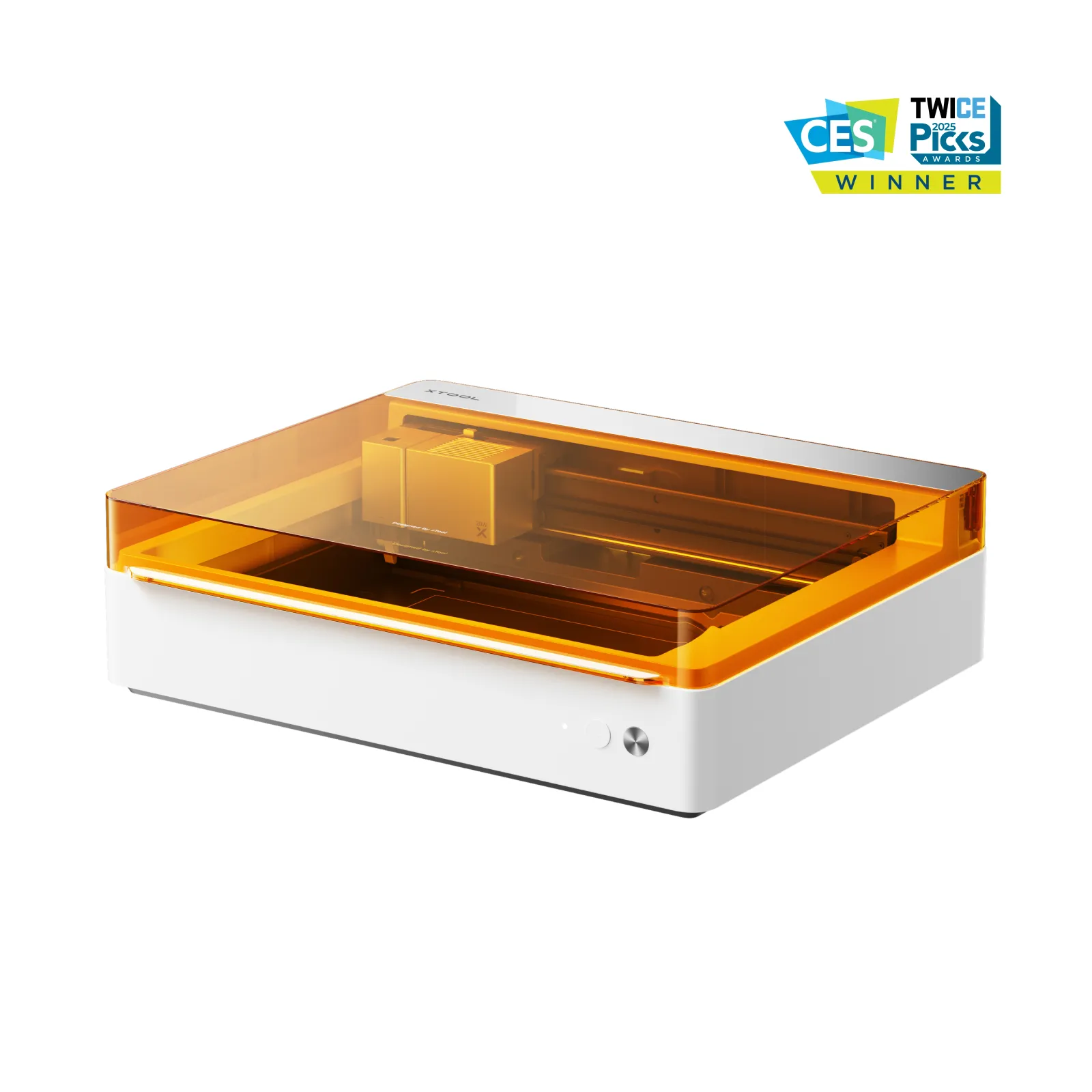
xTool M1 Ultra 10W Ultimate Craft Bundle

$1,499.00

Description

xTool M1 Ultra 10W Ultimate Craft Bundle

  • Cutting Blade: For thicker paper and leather cutting.
  • Fine-Point Blade: Cut paper, vinyl, ideal for your crafts.
  • Fine Point Pen: 0.4 Tip. 8 colors included: Red, Orange, Yellow, Asparagus, Teal Blue, Royal Blue, Violet, Black. Install on the module and it can automatic draw on paper, acrylic, etc.
  • Rotary Blade: For cutting fabric, such as canvas, felt, and burlap.
  • Foil Transfer Tip: Achieve beautiful foil transferring, embossing, and debossing effects.
  • Ink Module: Colorful printing on wood, acrylic, paper, etc.
  • Smart Air Assist: For cleaner and smoother laser cutting finish
  • Riser Base with Honeycomb Panel: Laser work on thicker materials, must-have for rotary engraving.
  • RA2 Pro: 4-in-1 rotary attachment, enabling precise engraving on a wide range of objects, from irregular cylinders to spheres and rings.
  • Smart Press: 12” x 10” portable press for perfect heat transferring.
  • Smart Control: Precise Temperature and Time Control for xTool Mini Press and Smart Press.
  • Mini Press: Ideal for small transfers like shoes, pockets, collars, etc.
The Ultimate 4-in-1 Craft & DIY Machine

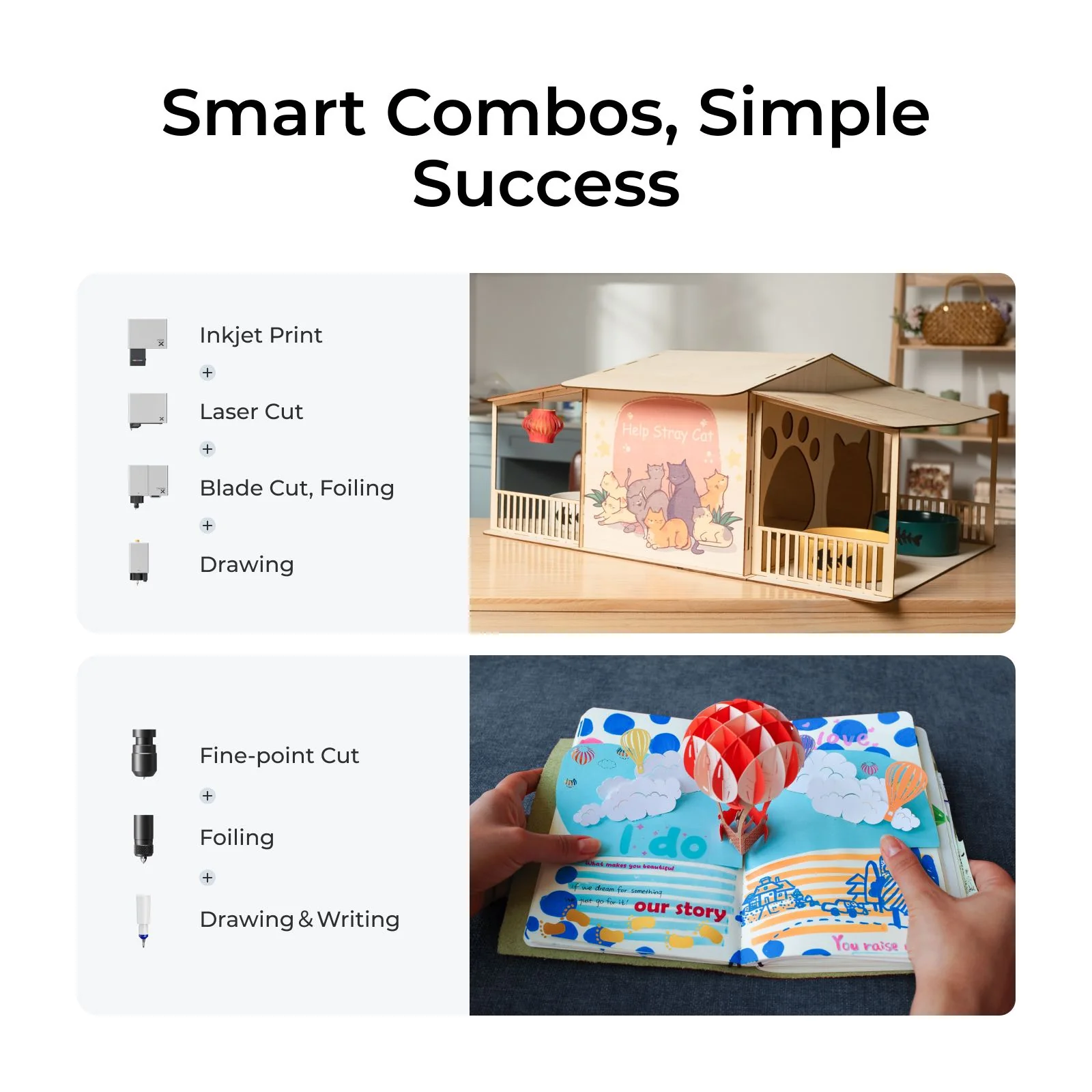
It’s a laser machine, a vinyl cutting machine, a printer, and a drawing robot. A one-stop studio that meets almost all crafting needs including t-shirt printing.

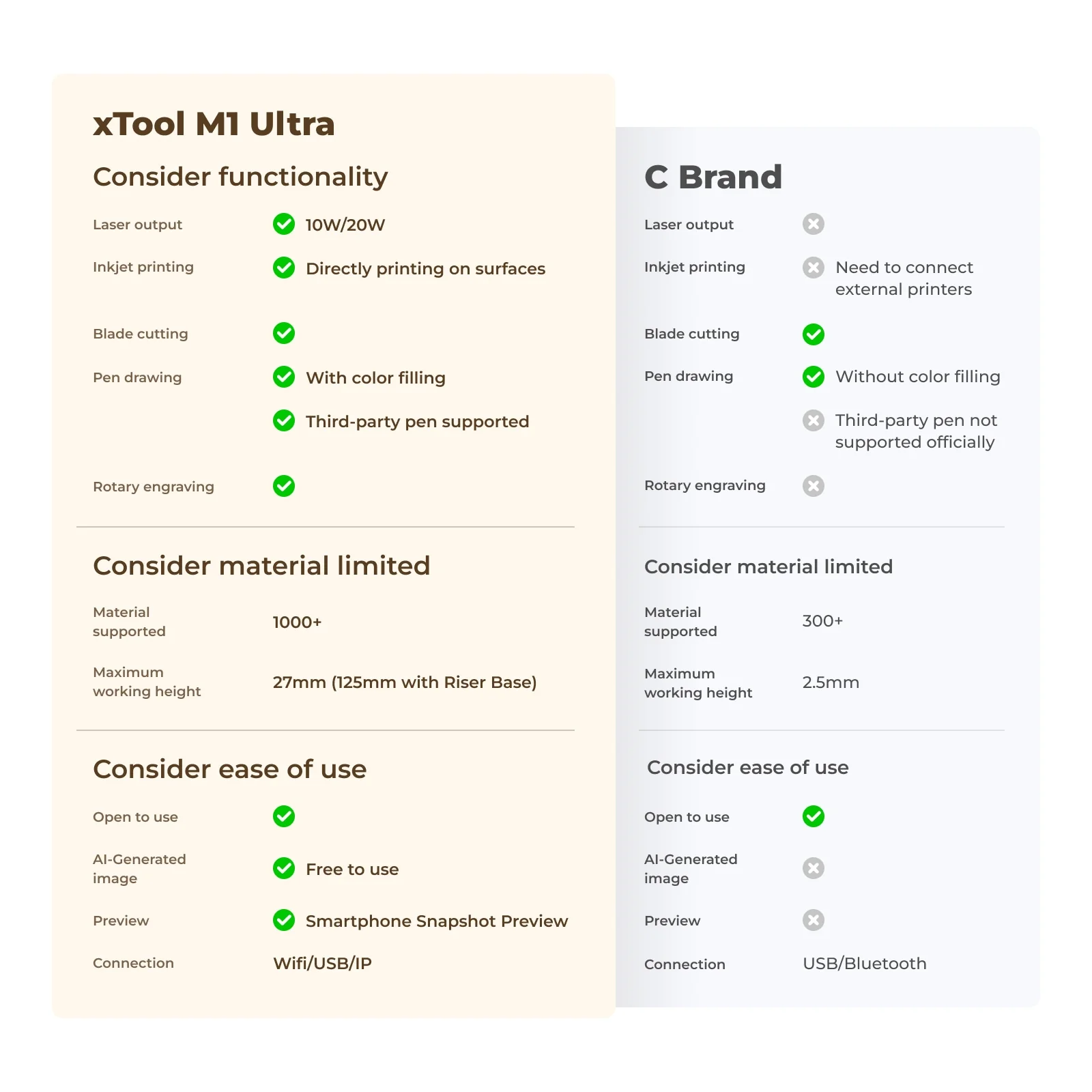
  • 4-in-1 Multi-functional: Laser, Inkjet, blade, and pen modules.
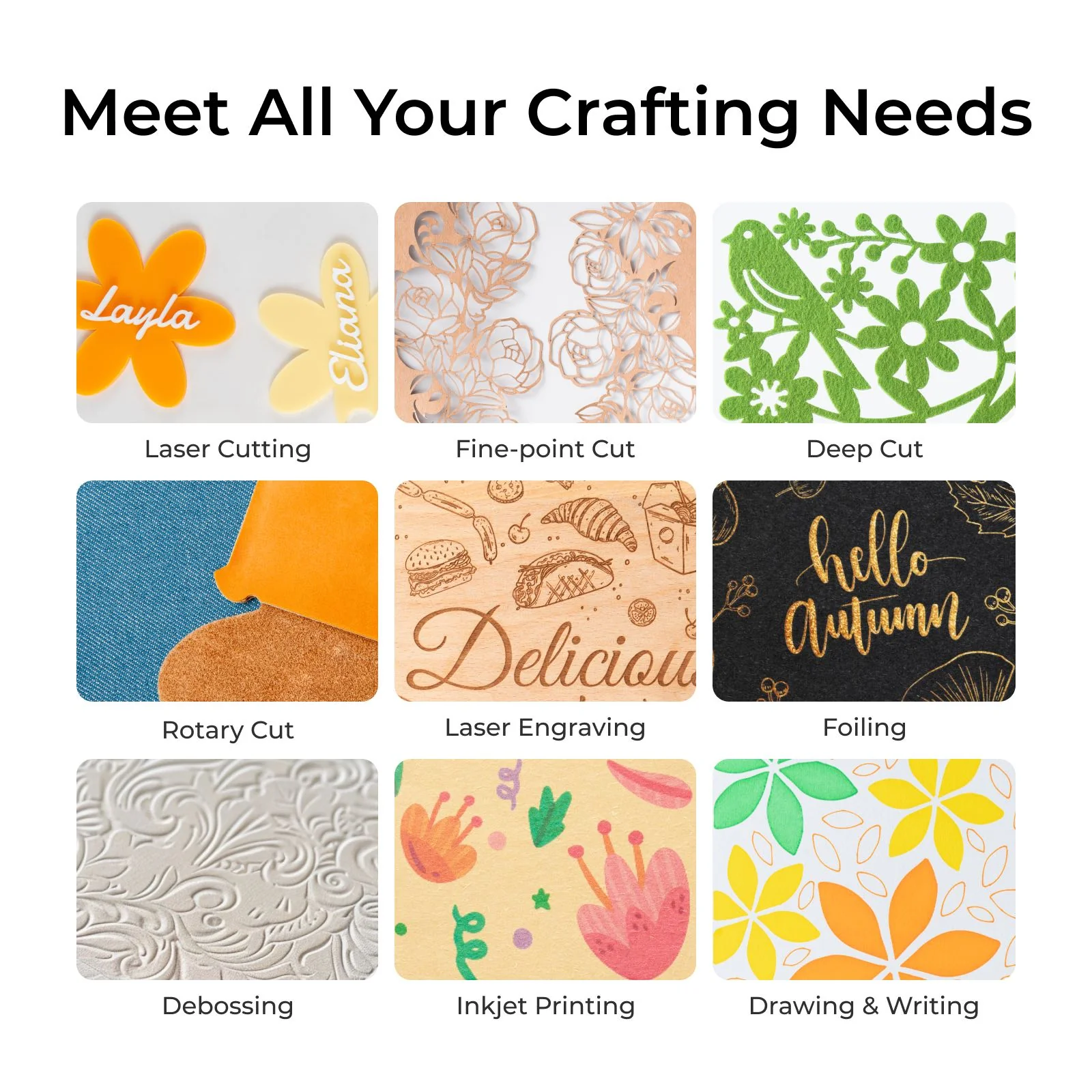
  • 9 processing methods satisfy your needs on gift making, home decor and more.
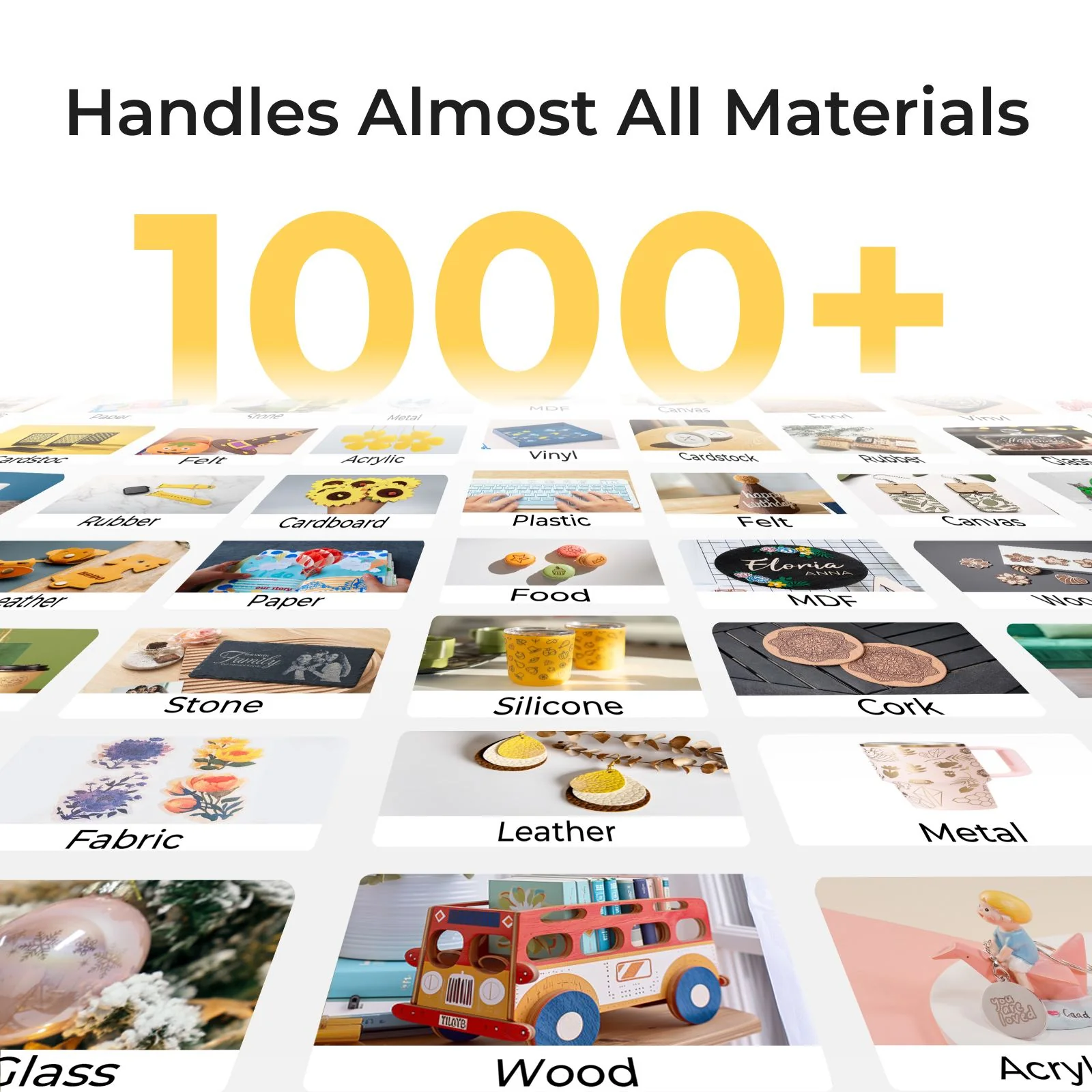
  • Wide range for processing over 1000 materials.
  • Easily multitask with 3-Second Easy Swap™.
  • Efficiency Boost: Maximize your space by 60%.

Machine Specifications

Specification

Details

Processing Capacity

Laser Type 20W/10W Diode Laser
Processing Mode Laser Cutting
Laser Engraving
Inkjet Printing
Blade Cutting
Foiling
Supported Materials Laser Cuttable: Wood, Opaque Acrylic, Paper, MDF, Leather
Blade Cuttable: Paper Cardstock, Vinyl, PVC, Leather
Laser Engravable: Wood, Opaque Acrylic, Leather, Stainless Steel, Plated Metal
Inkjet Printable: Paper, Cardstock, Wood, Canvas, Acrylic
Working Area Laser Mode/Blade Mode/Pen Mode: 11.8” x 11.8” (300 mm x 300 mm)
*11.61” x 11.61” (295 mm x 295 mm) for cutting blade
Inkjet Mode: 11.7” x 11.3” (296 mm x 286 mm)
Max. Working Speed 15.75 ips (400 mm/s)
Max. Laser Cutting Capacity (Basswood) 20W: 0.39″ (10 mm) in ONE PASS
10W: 0.24″ (6 mm) in ONE PASS
Max. Laser Cutting Capacity (Acrylic) 20W: 0.31″ (8 mm) in ONE PASS
10W: 0.20″ (5 mm) in ONE PASS
Max. Blade Cutting Capacity Fine-point Blade: 0.06″ (1.5 mm)
Cutting Blade: 0.10″ (2.5 mm)
Max. Processing Height Laser Mode:
With Riser Base: 4.92″ (125 mm)
Without Riser Base: 1.06″ (27 mm)Inkjet Mode/Pen Mode/Blade Mode (Foiling):
With Riser Base: 5.43″ (138 mm)
Without Riser Base: 0.79″ (20 mm)
Max. Rotary Engraving Diameter With Riser Base: 0 – 3.90″ (0-99 mm)

Smart Software

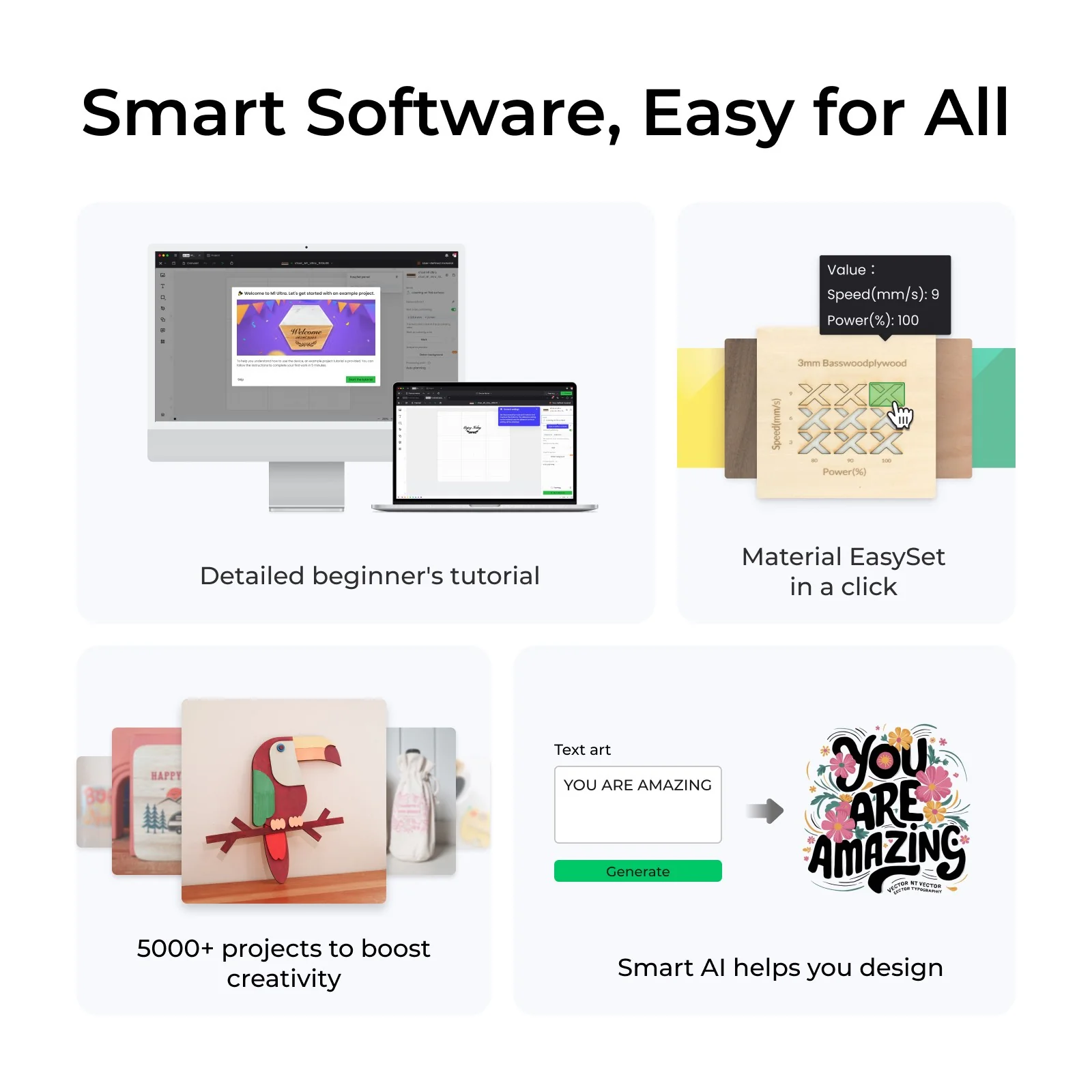
Supported Software xTool Studio
Operating System Windows/macOS
Connection Method USB/Wi-Fi/IP
Supported Files SVG/DXF/JPG/JPEG/PNG/BMP/TIF
AImake Compatibility Yes

Easy Operation

Pre-assembled Yes
Built-in Camera N/A
Positioning Method Pin-Point™ Positioning
Focus Mode Autofocus

Accuracy & Precision

Laser Spot Size 10W Diode Laser: 0.0016″ × 0.0024″ (0.04 mm × 0.06 mm)
20W Diode Laser: 0.0024″ × 0.0031″ (0.06 mm × 0.08 mm)
Positioning Precision 0.0008″ (0.02 mm)
Ranging Precision 0.0039″ (0.1 mm), Probe
Image Resolution N/A
Motion Accuracy 0.0004″ (0.01 mm)

General Information

Safety Certification Class 1 Laser Safety (TÜV SÜD Certified)
Product Dimensions 24.41” x 19.61” x 7.01”(620 mm x 498 mm x 178 mm)
Product Weight 37.48 lb (17 kg)
Max. Machine Input Power 200 W
Power Adapter Input Voltage 100 V – 240 V ~ AC 50/60 Hz

Frequently Asked Questions

What materials can M1 Ultra support?

The M1 Ultra has 4 modes and 9 processing methods, supporting over 1,000 materials.

  • Laser Mode: Wood, leather, MDF, coated acrylic, electroplated metal, painted metal, coated glass, ceramic, marble, and more.
  • Blade Mode: Vinyl (for blade mode only), paper, leather, felt, fabrics, and more.
  • Inkjet Mode: Wood, coated acrylic, canvas, fabrics, printing paper, and more.
  • Pen Mode: Paper, ceramic, and more.


What materials can the inkjet module print?

It can print on fabrics, boards, printing paper, and other materials. However, it cannot print on very dense or smooth surfaces, such as metal, glass, and ceramics, because the ink cannot penetrate or adhere. These materials can be processed after applying a suitable ink coating.


How can I customize a tumbler with M1 Ultra?

You can usethe RA2 Proto customize a tumbler. If your object is taller than 27 mm(1.06″), theRiser Basewill help.